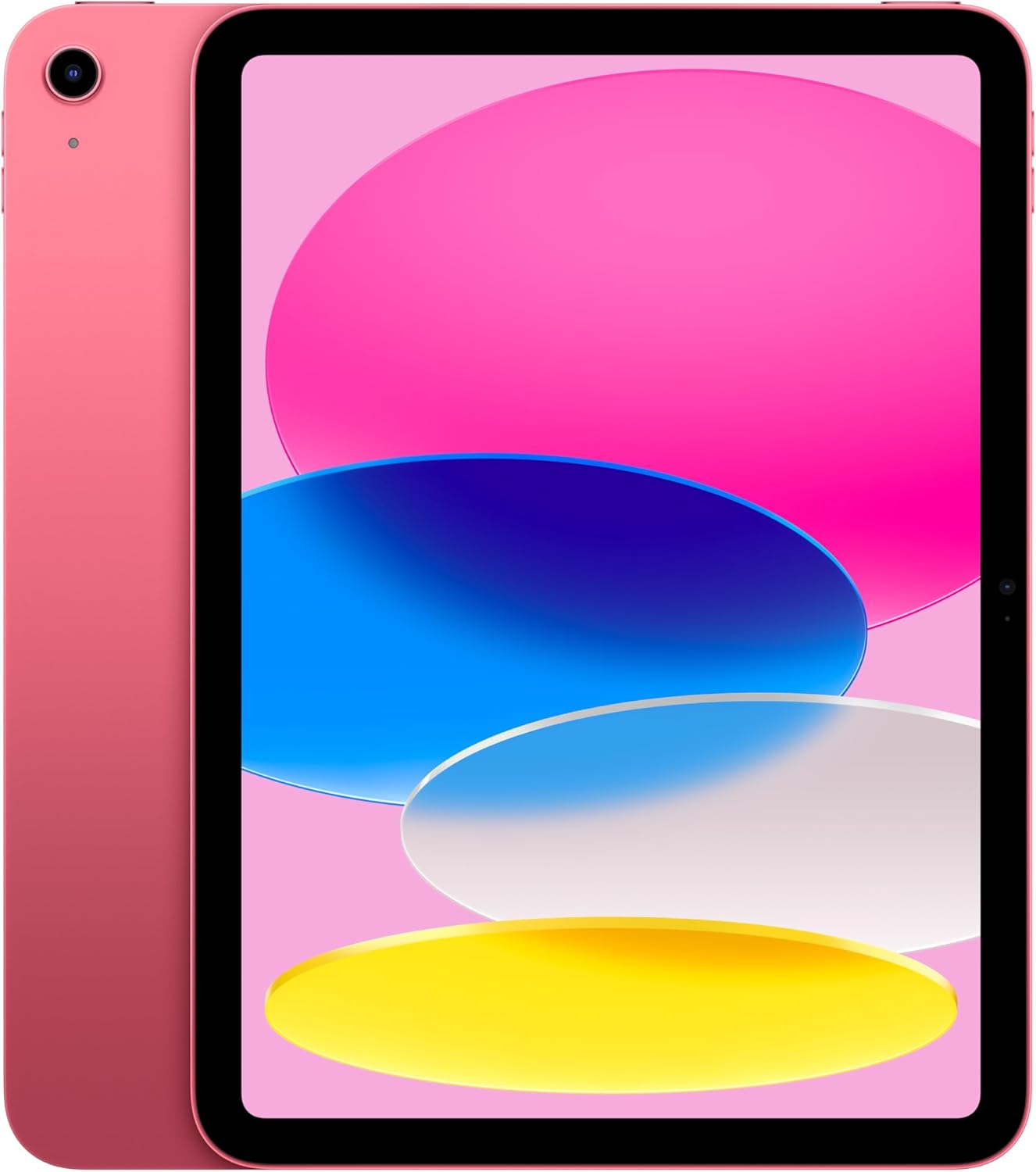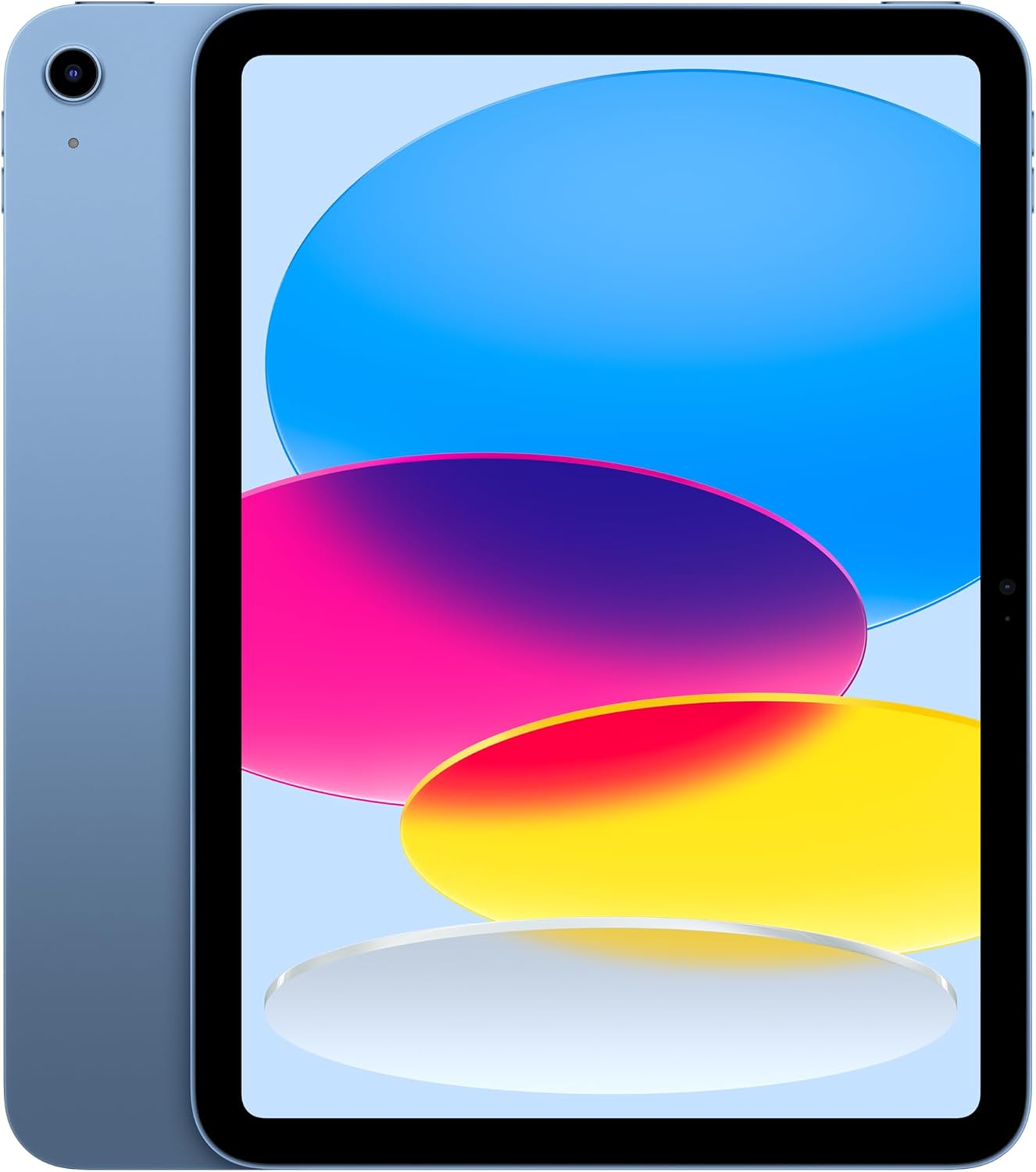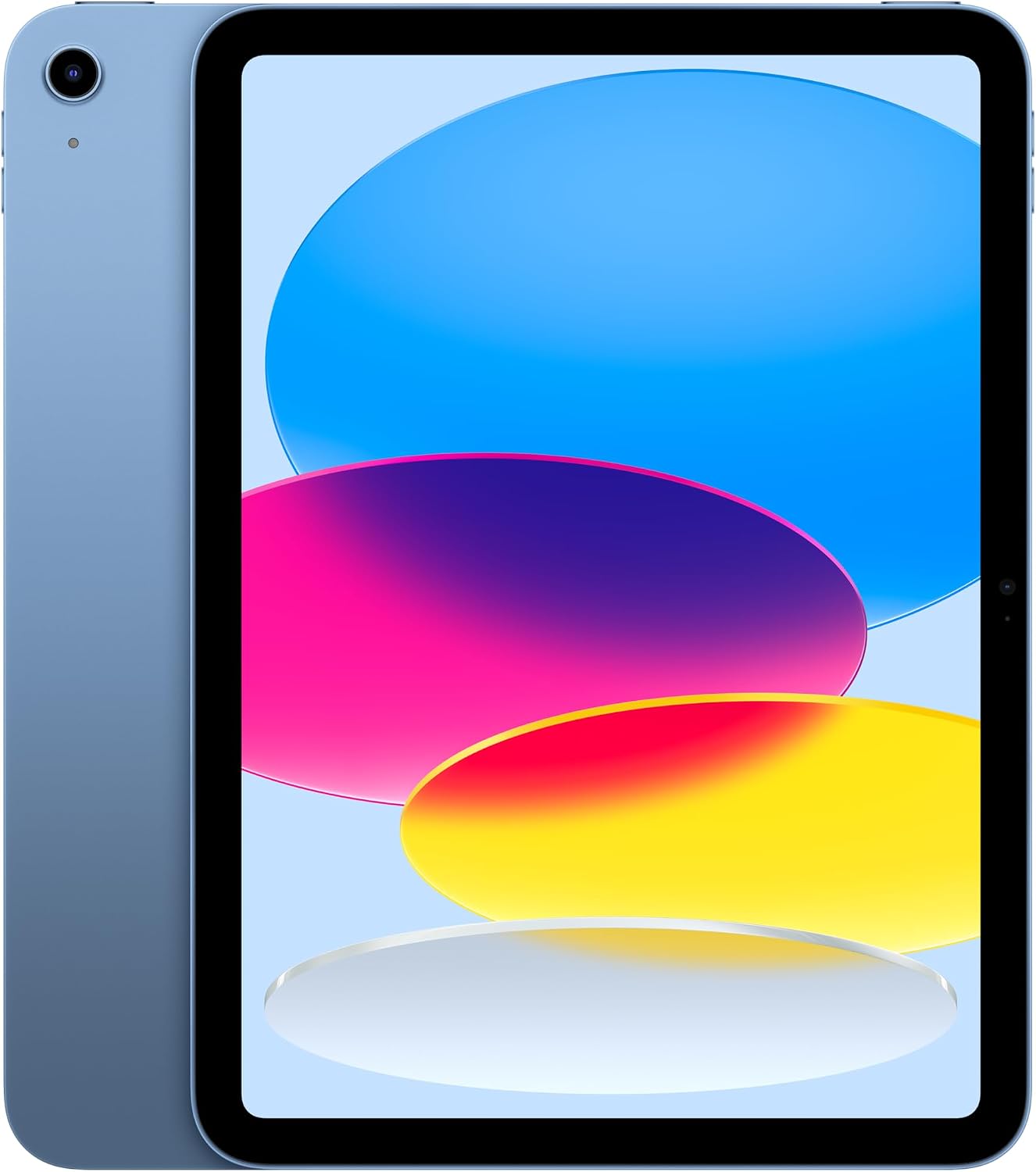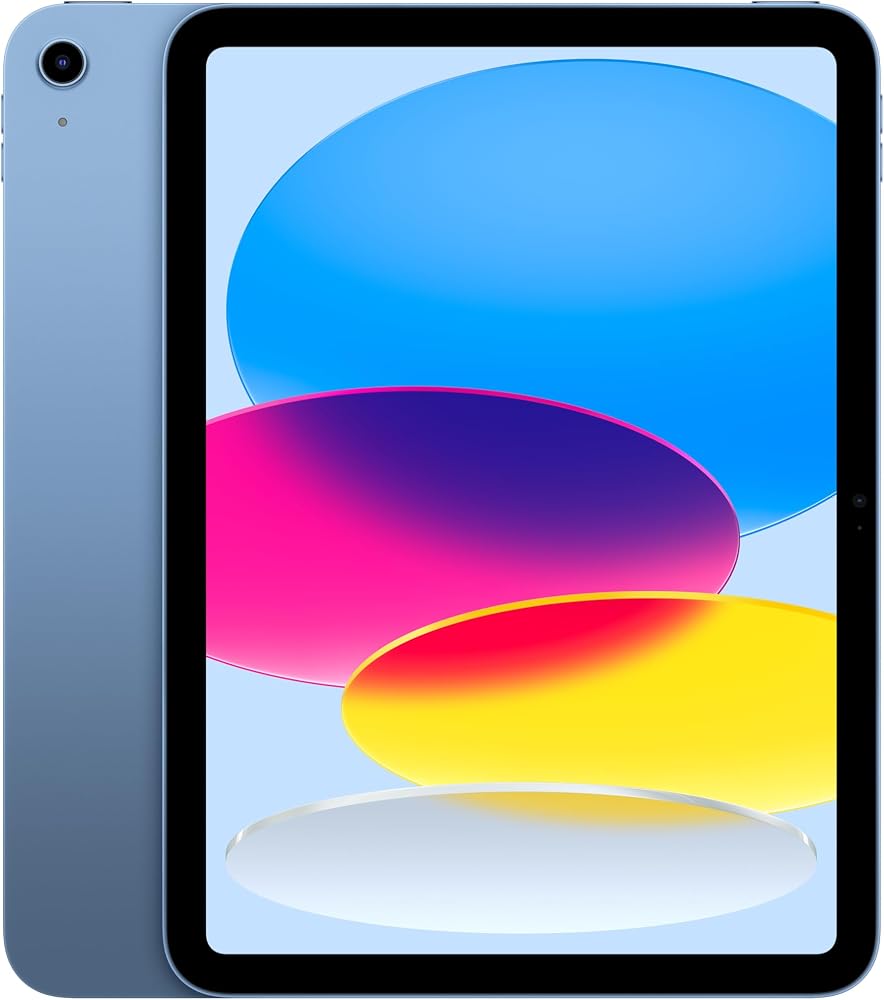
The 11th-generation iPad is Apple’s regular iPad, the one that sits under the Air and the Pro. The current version of that regular iPad uses the A16 chip and an 11-inch Liquid Retina display. iPad 11th Generation Black Friday Deals 2026 get mixed up with the 10th generation, with the 11-inch iPad Air, and with cellular models that add a monthly line. This page is the blue Wi-Fi 11th-generation iPad in 128GB, model MD4A4LL/A. Pink, yellow, and silver are the same tablet in another shell.
What this iPad is
The display is 11 inches, Liquid Retina, and non-laminated in the way Apple’s base iPads have been. Text is sharp. The screen does not have the ProMotion 120Hz of an iPad Pro, and it does not have the brighter, more color-managed panel of the higher lines. For class notes, video, and a browser, that is the right level. For photo editing as a job, it is the wrong iPad.
The chip is the A16. It is quick for the work this iPad is built for: Safari, streaming, school apps, and light games. It is not an M-series chip. Do not expect desktop-class video exports. Apple Intelligence features that Apple limits to later chips are not a reason to buy this model. If an on-device AI feature is the point of the purchase, check Apple’s current supported-iPad list and be ready to move to an Air or a Pro.
Touch ID is in the top button. There is no Face ID on the base iPad. USB-C is the port, for charging and for the accessories that actually speak USB-C. The front camera sits on the landscape edge, so a video call looks normal when the iPad is in a keyboard case. That orientation is one of the easy ways to tell a recent base iPad from much older home-button models.
Colors have included blue, pink, yellow, and silver. The color is the back glass and the aluminum. It does not change storage or the chip. 128GB is the starting size and the one this page describes. 256GB and any higher step are different SKUs. A semester of downloaded textbooks and a camera roll both fit more calmly in 256GB. If you only stream, 128GB is the honest base.
Pencil, keyboard, and the things sold beside it
Apple Pencil support on the base iPad changes by generation. The safe shopping rule is to match the Pencil model Apple lists for the 11th generation right now, whether that is the USB-C Pencil, Pencil Pro, or both. A first-generation Pencil with a Lightning adapter belongs to older iPads. Buying the wrong Pencil is the most common accessory mistake in this search. Confirm the compatibility line before you add one to the cart.
A Magic Keyboard Folio or a cheaper third-party case is optional. The iPad is a complete computer-shaped tablet without it. A bundle that includes a keyboard should be priced as a bundle. If you will not type on it, the bare Wi-Fi 128GB tablet is the cleaner comparison.
Cellular models add a radio and, usually, an eSIM. They are not required for a tablet that lives on home and school Wi-Fi. A cellular iPad is a different monthly decision. GPS in the cellular model is the other small difference people forget. The Wi-Fi model still finds itself on Wi-Fi maps. It does not have the same standalone GPS story.
Generations that are not this one
The 10th-generation iPad uses an older chip and a slightly different body generation. It can be a legitimate leftover deal. It is not the 11th generation, and a seller who says “latest iPad” without the number is asking you to guess. Read “11th generation” or “A16.”
The iPad Air 11-inch uses an M-series chip and a laminated, higher-end display. It is the step up when you want more performance in the same rough size. The 11-inch iPad Pro is a different class again, with ProMotion and the Pro cameras and speakers. Size alone, “11 inch,” does not mean 11th generation.
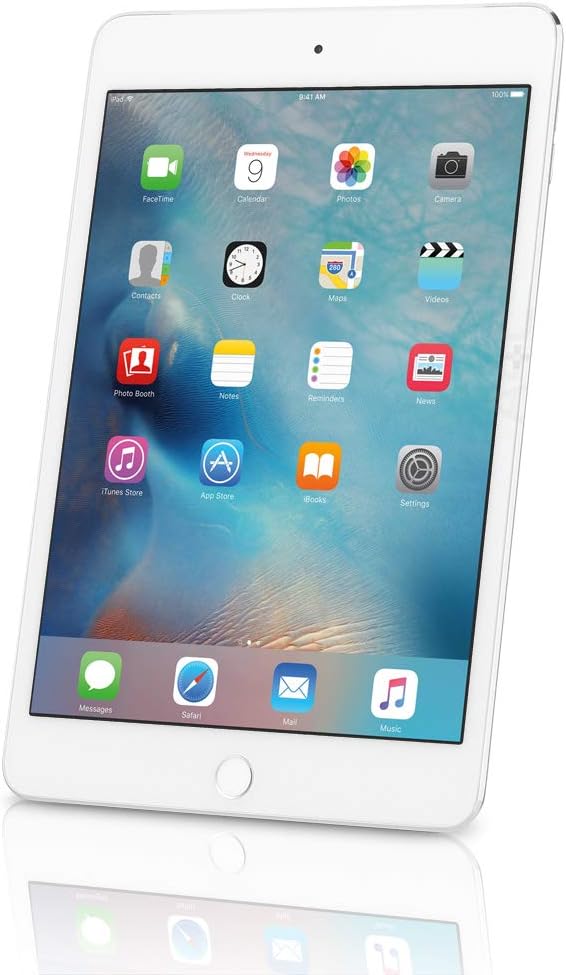
iPad mini is smaller. iPad Air 13-inch is larger. Both will appear because the search is full of the word iPad.
Renewed 11th-generation units will show up as the model ages. Battery cycle count matters less on a tablet than on a phone, and a cracked screen matters more. Prefer a return window. A renewed base iPad at a small discount from a new one is rarely worth the cosmetic risk.
The first evening
Charge it, install the iPadOS update, and sign in with the Apple ID that should own the purchases. Open Settings and confirm the storage reads 128GB and the model is the Wi-Fi iPad you ordered, not a cellular SKU. Tilt the screen against a plain wall and look for bright spots or dead pixels. Pair the Pencil only after you have confirmed it is the generation this iPad supports. A clean setup takes less than an hour and tells you whether the holiday listing matched the 11th-generation tablet.
iPad 11th Generation Black Friday Deals 2026 checklist
- Require 11th generation or A16, 11-inch, Wi-Fi, 128GB, if that is the configuration you want.
- Reject Air, Pro, mini, and 10th-generation listings unless you have changed your mind on purpose.
- Decide cellular separately. Do not let a monthly line hide inside a tablet “deal.”
- Add an Apple Pencil only after the compatibility line matches this generation.
- Separate new and renewed before you compare price.
- On arrival, update iPadOS, check the screen for bright spots, and confirm the storage in Settings.
- Compare today’s price with Apple’s current price for the same Wi-Fi storage. Black Friday can move the ask. It does not turn a base iPad into an Air.
The 11th-generation iPad is the plain 11-inch tablet: A16, Touch ID, USB-C, and a landscape camera. Buy that one when schoolwork and video are the job. Buy an Air or a Pro when the chip and the screen are the job. The weekend does not merge those lines.